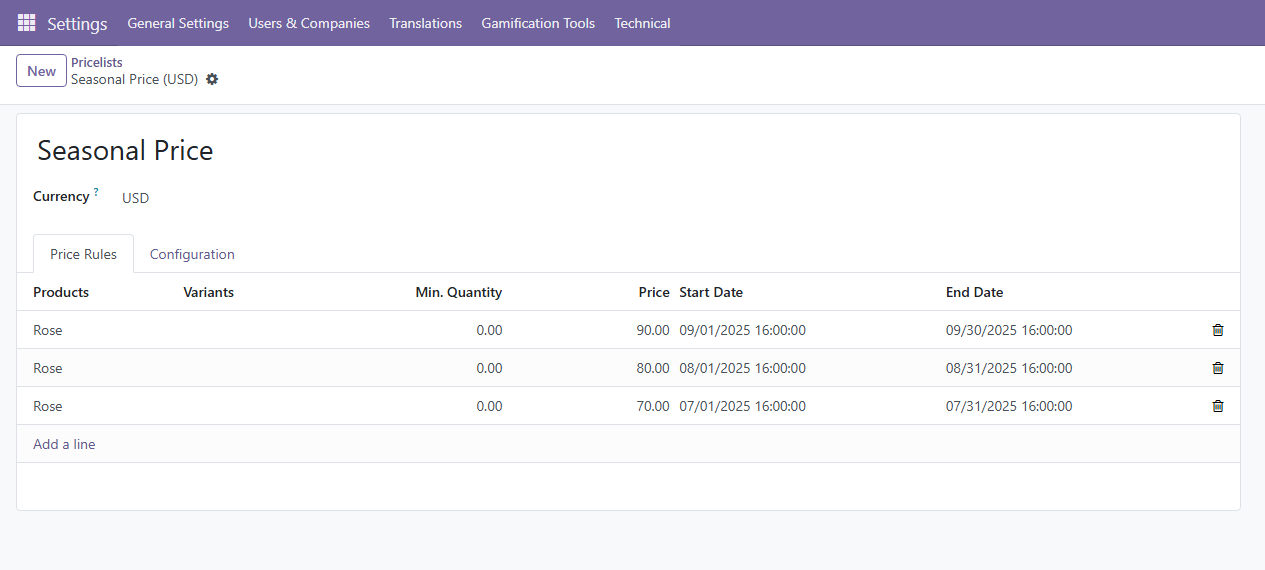
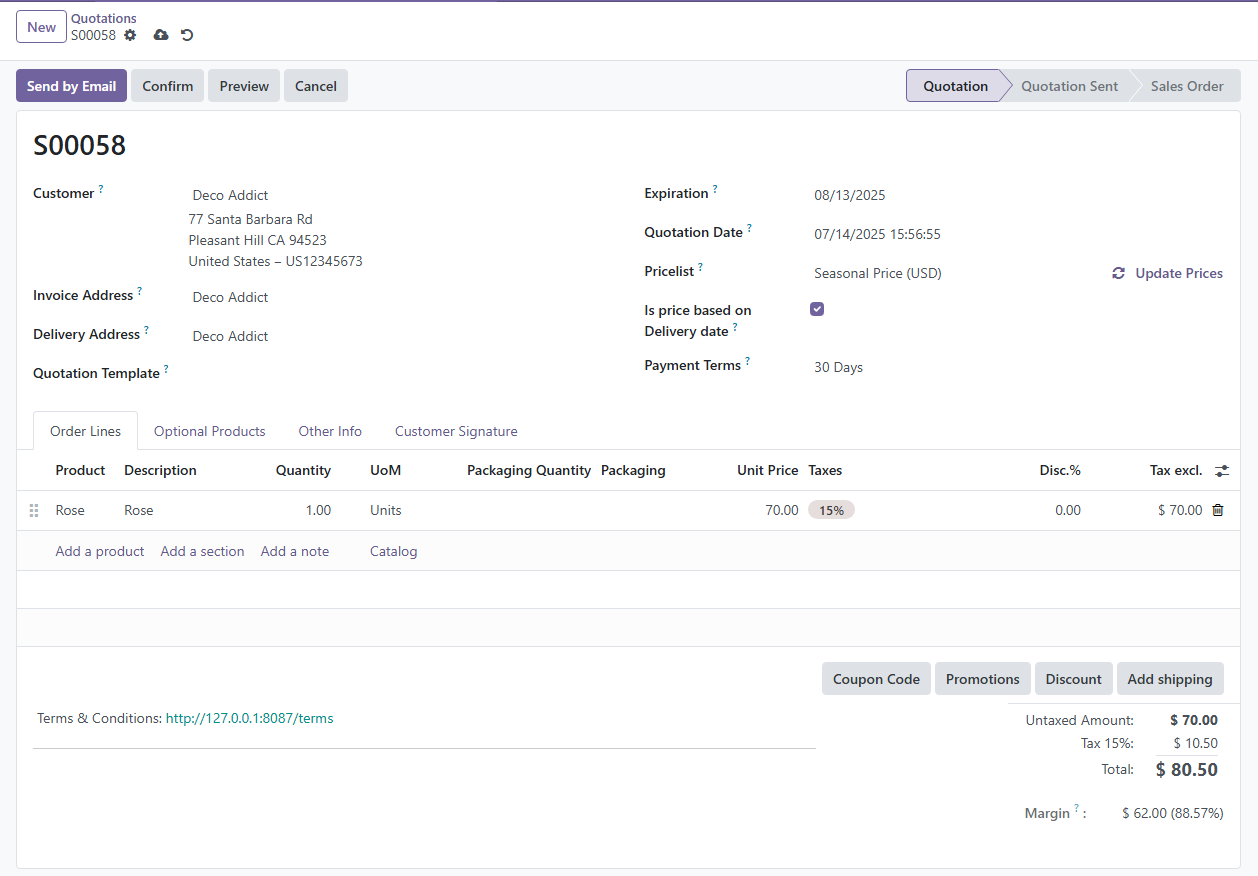
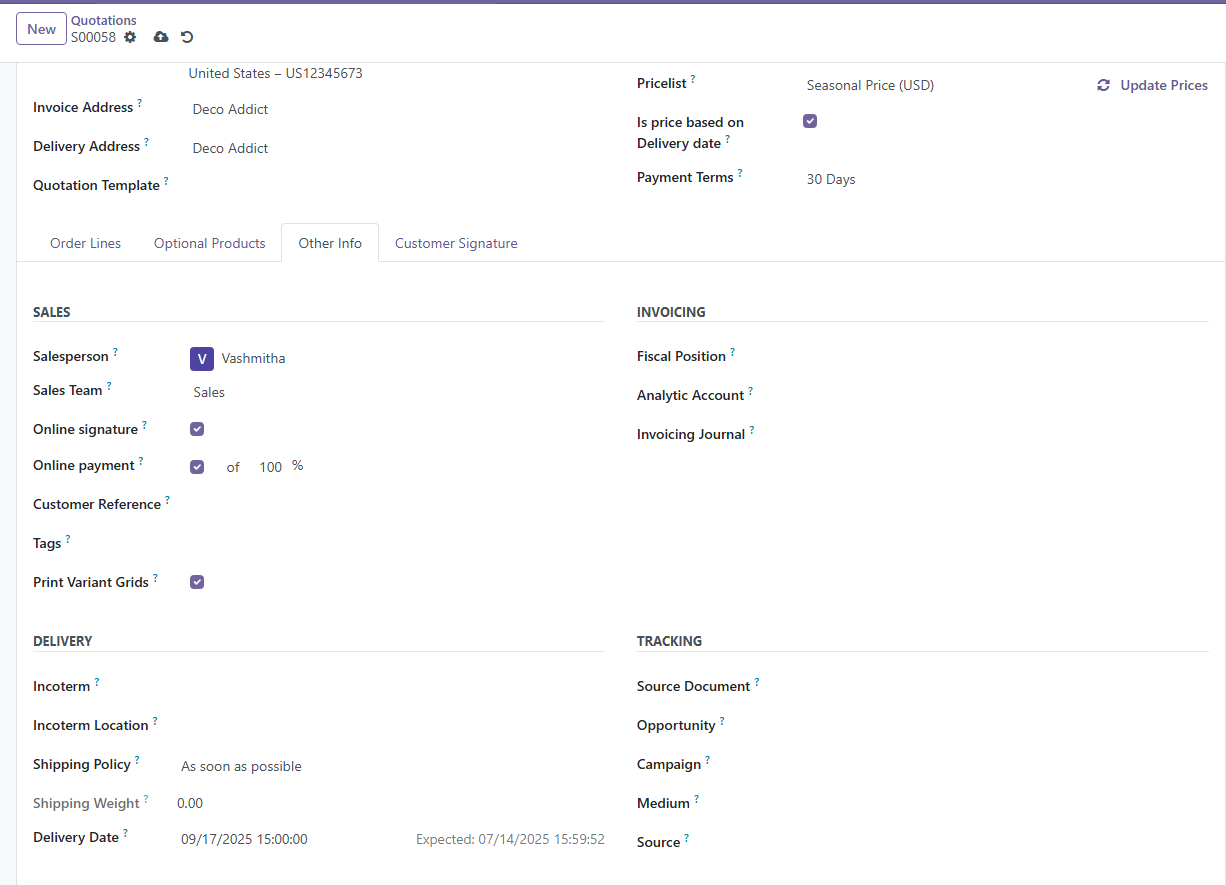
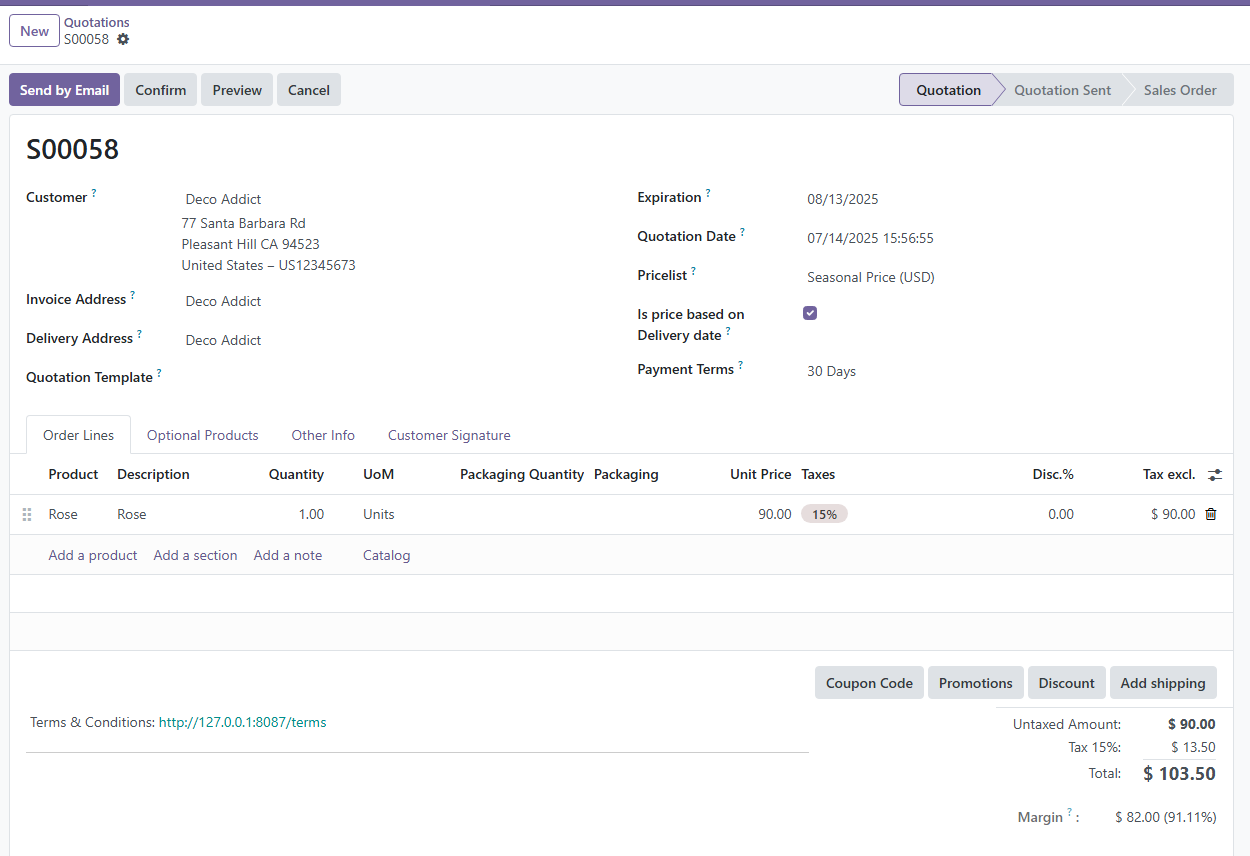
I'm seeking a solution to dynamically apply a pricing list based on the scheduled delivery date, rather than the date of quotation creation. For instance, I maintain distinct price lists corresponding to each month. However, since customers are required to make a deposit prior to delivery, there arises a scenario where the upcoming month's prices are 20% higher than the current rates. Given that a quotation might be generated today for a delivery in the subsequent month, the manual adjustment of the price list becomes the sole recourse. Is it feasible to establish multiple price lists, associate each with its relevant month within the validation framework, and ensure that an error is triggered if an incompatible price list is selected for the delivery month?
Example: Let's say you run a flower shop, and you have varying price lists for different seasons. You create price lists for January, February, and March. A customer requests a quotation for a flower delivery scheduled for February. The current month is January, and the prices are lower. However, since the delivery will be made in February when prices are higher, your system, using the set validation rules, detects the mismatch between the selected January price list and the February delivery month. An automatic error message is displayed, prompting the user to choose the appropriate February price list for accurate pricing.