I would like to give access rights to my portal users so they can see their projects. I would like to give certain users limited access and others users more access to edit.
Share and discuss the best content and new marketing ideas, build your professional profile and become a better marketer together.

I would like to give access rights to my portal users so they can see their projects. I would like to give certain users limited access and others users more access to edit.

You can do that in Odoo 17.4 following these steps:
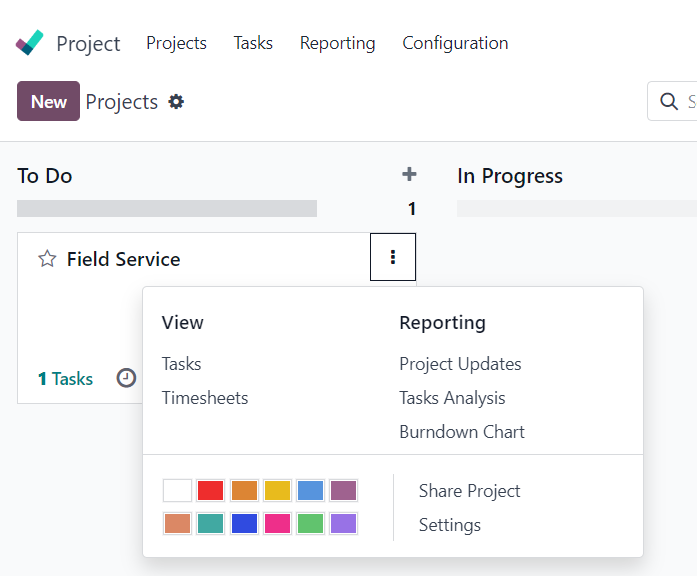
1. Go to Projects, click on the three dots, and click on share:
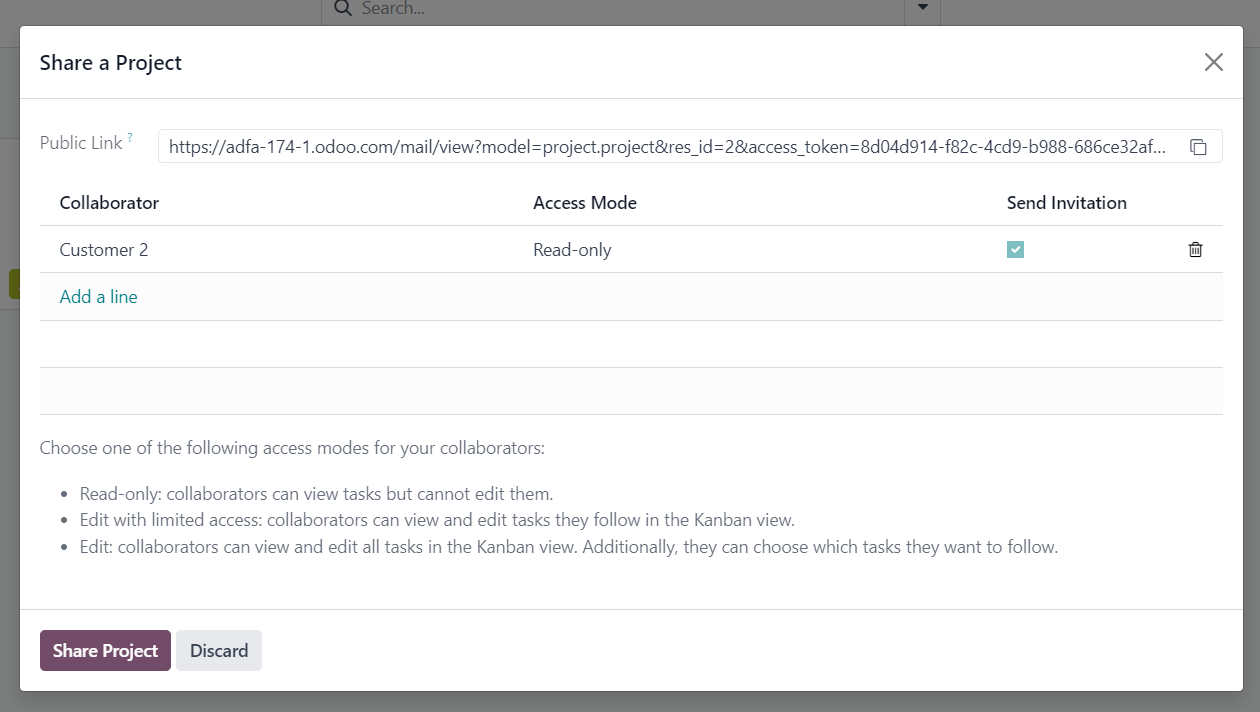
2. From here add your contact/portal user and give them the desired access (if you want to add them as a collaborator to specific tasks, then add them as a follower to those tasks):
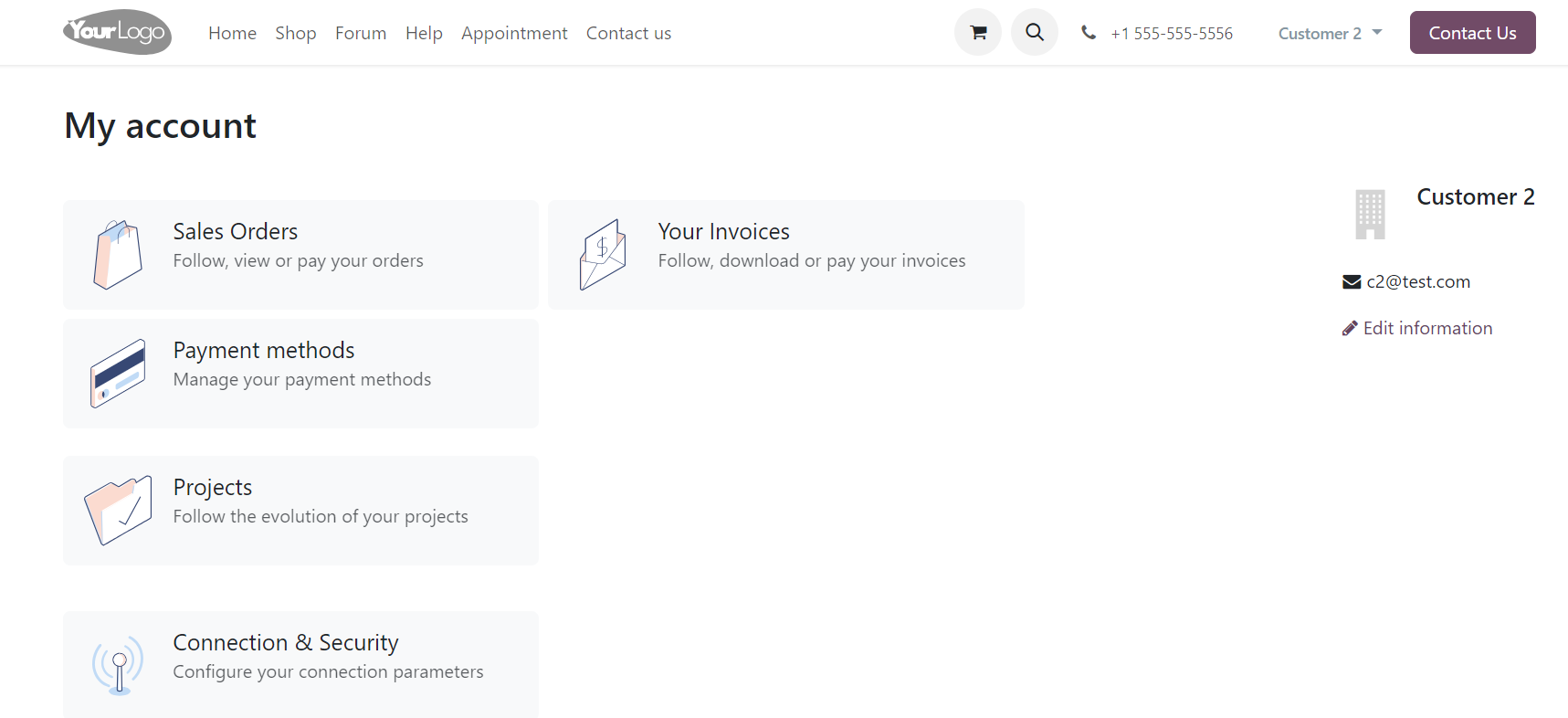
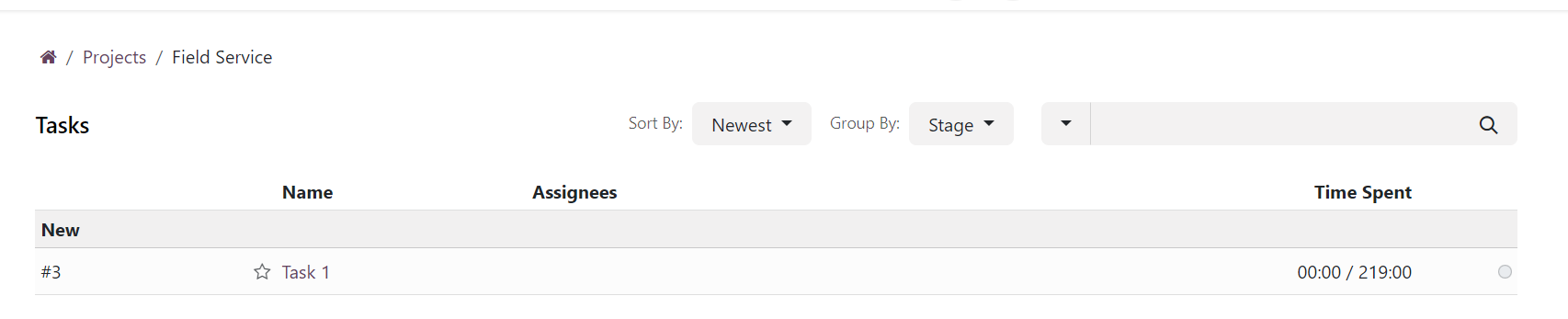
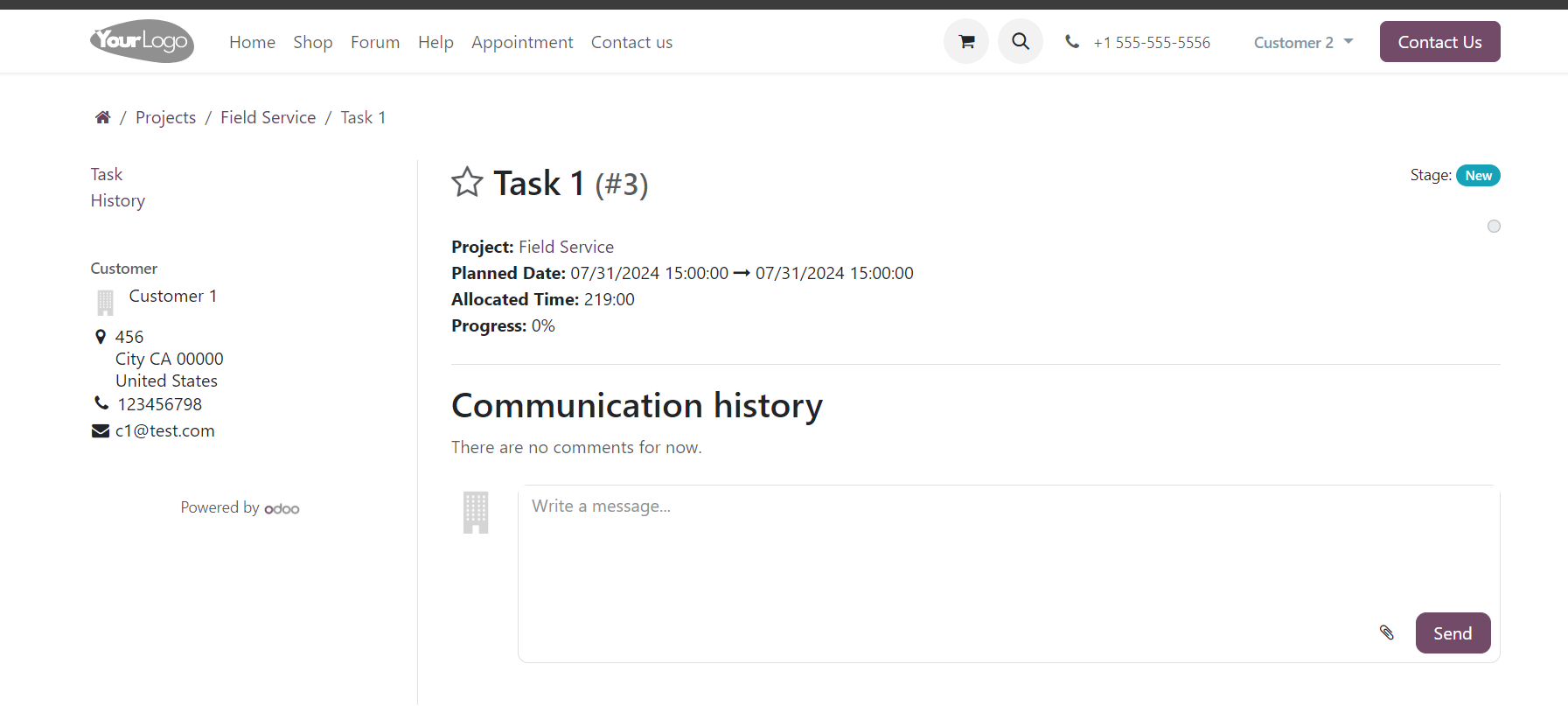
3. Then when the portal user log in to their account, they will be able to see the projects and tasks that they have access to:

Create an account today to enjoy exclusive features and engage with our awesome community!
Sign up