How to I do the source control / version control when i do development with Odoo studio?
There is no version control built in into Odoo for Studio customization. You can however Export Studio customization via Settings -> Technical --> Database Structure -> Studio Export and version control it externally.
Which environment should i use? PRD, testing or dev?
Depends on whether you know what you're doing. Given the fact that you can Export and Import Studio customization, I'd suggest to start with a testing environment, test your changes and then import it to production.
Anything I should aware when i use Odoo Studio?
Studio creates generic code. This is especially true for view modifications. Expect headaches with these when upgrading Odoo to newer versions.
Example:
<data>
  <xpath expr="/form/sheet/notebook/page[@name='lead']/group/group[2]/field[@name='function']" position="after">
    <field name="x_studio_demo"/>
  </xpath>
</data>
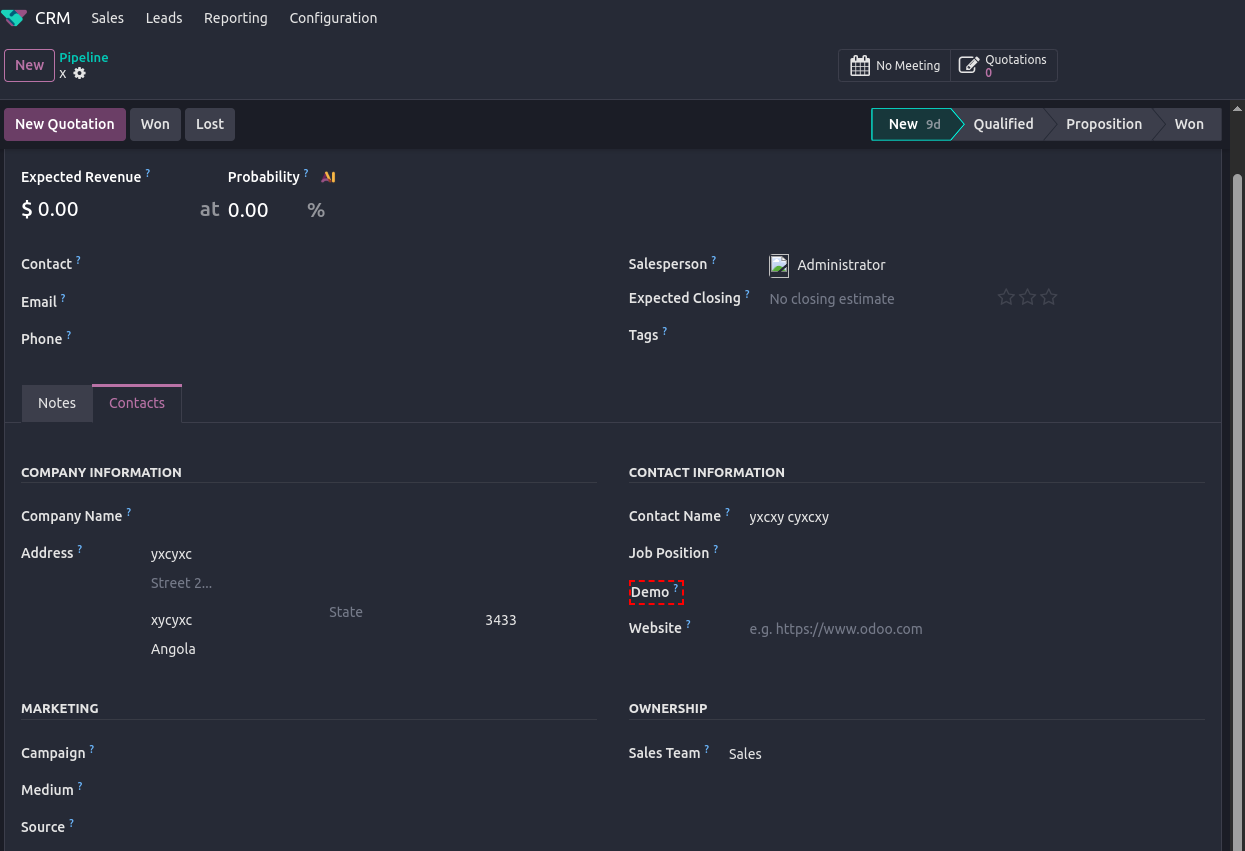
Above view addition doesn't do more than adding a field Demo to a particular area of the CRM form:
Personal opinion:
If this looks oddly specific to you - it is. And that's one general draw back when using Studio. Thus, when modifying views with Studio and you need to debug or upgrade it, be prepared to count nodes a lot.
Another thing to keep in mind: Don't mix custom developments (actual custom modules) with Studio customization. This is especially true when you feel like you need to use a x_studio_-field (a field created via Studio) in a custom module. I guarantee you would regret it at some point.
A general word of advice: If you have to use Studio, don't overdo it just because it looks simple right now. Any modification will have to be maintained in one or the other way. Potentially not having actual source code at hand to read makes debugging no fun. Also, Studio customization can't be documented directly (views may be edited later on but the lack of actual model files will leave you with guess-worthy field definitions). Don't forget you're manipulating your ERP software, thus, handle with care.

