I have a very busy team and instead of receiving calls I want my customer to be able to create tickets by themselves by going to our website and create a ticket from there directly.
Share and discuss the best content and new marketing ideas, build your professional profile and become a better marketer together.

I have a very busy team and instead of receiving calls I want my customer to be able to create tickets by themselves by going to our website and create a ticket from there directly.

If you wish your customers to create tickets via your website form where they can input their information and a ticket will be created in the appropriate team then we can follow these steps:
1. First, we need to enable the feature Website Form from the Helpdesk team's Settings:

2. Then, you can click on the smart button "Go to Website" to customize the form:
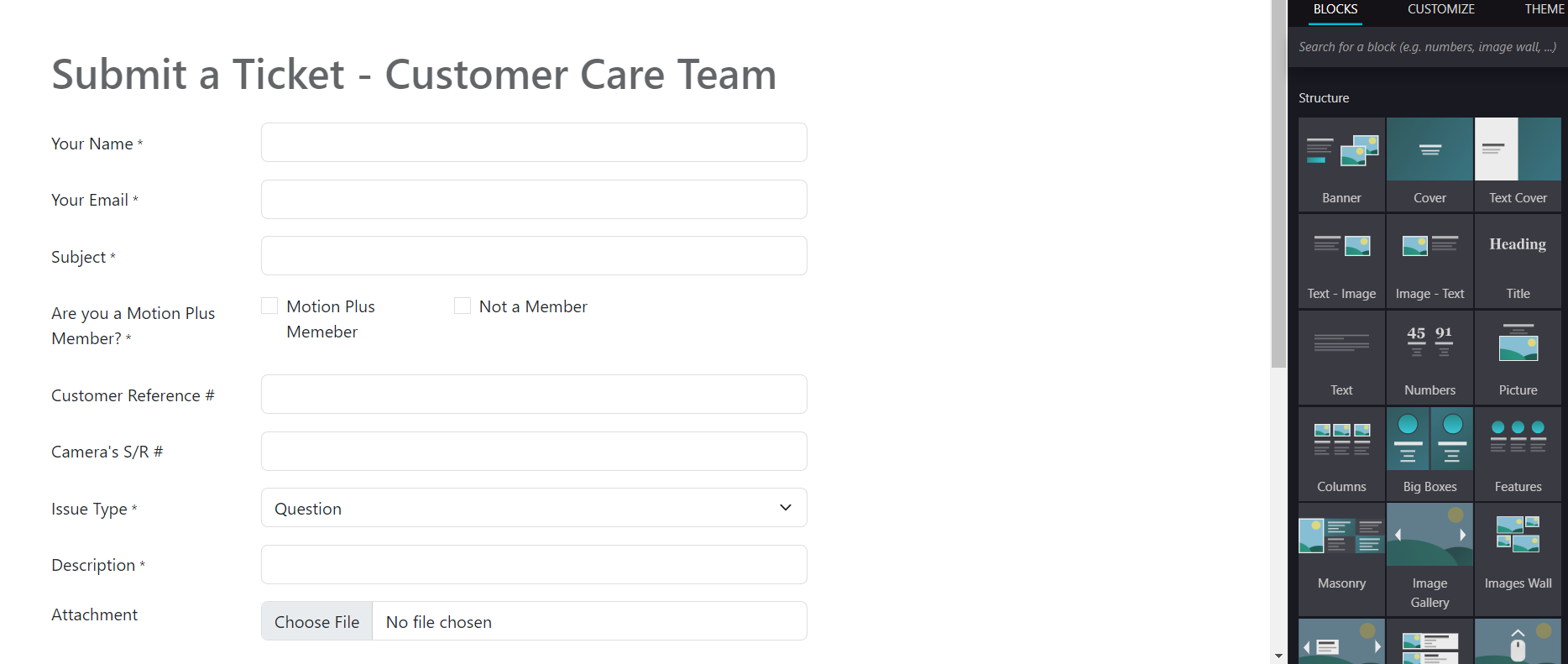
3. You can add fields and customize them to reflect the type of information that you need to collect for that specific Helpdesk Team from the Editor.
4. To specify which Helpdesk Team will receive the tickets created here, you can click on the Submit button and on the right, in the Editor, select the Helpdesk Team in the "Helpdesk Team" field:

Create an account today to enjoy exclusive features and engage with our awesome community!
Sign up